Rotate and inspect
Zoom and rotate to inspect the shape of your model.
 Y Mobile
STL Viewer
Rotate models and inspect dimensions. Explore tools for thickness and overhang inspection.
Check your platform's store for current features and purchase options.
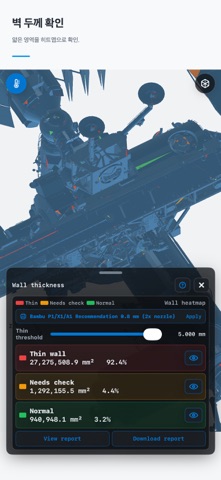
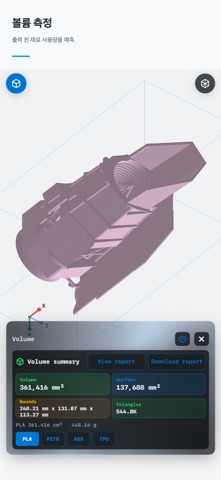
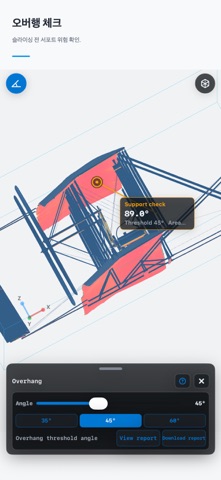
STL Viewer screenshots from the store listing. Screens may vary by device and version.
Zoom and rotate to inspect the shape of your model.
Inspect dimensions with the measurement tools and check the model's units.
Explore thickness, overhang and slice inspection tools. Check the store listing for available features.
COMPATIBILITY
The app is designed for viewing and inspection. Check your version's documentation for any print preparation or printer integration.
STL files may not explicitly define units. Check the units used by the application that created the model.
Check the in-app purchase information in your store. Availability and purchase options can vary by feature and platform.