View drawings
See the whole drawing, then zoom into the details you need.
 Y Mobile
SnapCAD
View drawings, zoom into details and take measurements. Explore layer and annotation tools.
Check your platform's store for current features and purchase options.

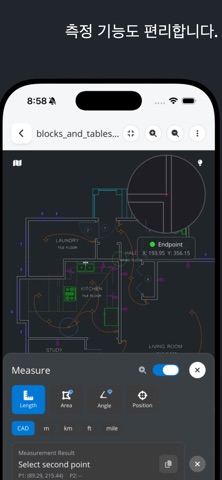
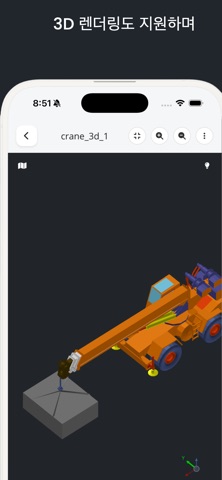
SnapCAD screenshots from the store listing. Screens may vary by device and version.
See the whole drawing, then zoom into the details you need.
Select points in a drawing to inspect distances. Check the drawing units when measuring.
Inspect layers and annotate your drawing. Available tools depend on your app version and platform.
COMPATIBILITY
SnapCAD supports DWG and DXF. For additional formats and 3D tools, check the listing for your app version.
Check the file format and make sure the file is intact and the app is up to date. If the problem continues, contact us with your app version, device and file format.
Check the in-app purchase information in your store. Availability and purchase options can vary by feature and platform.