Open presentations
Select a PPT or PPTX file to review it.
 Y Mobile
PPT One
Open a presentation and review each slide.
Check your platform's store for current features and purchase options.
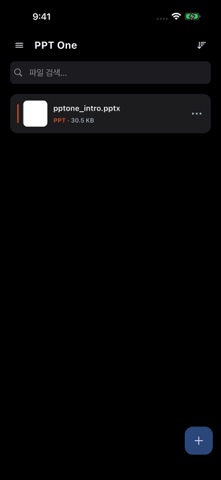
PPT One screenshots from the store listing. Screens may vary by device and version.
Select a PPT or PPTX file to review it.
Move through the slides to review a presentation.
Zoom into text, shapes and images.
COMPATIBILITY
Check the file format and make sure the file is intact and the app is up to date. If the problem continues, contact us with your app version, device and file format.
PPT One is designed for viewing presentations. Check your app version if you require editing tools.
Check the in-app purchase information in your store. Availability and purchase options can vary by feature and platform.